
2 years
−62%+6 months free
190 ₽per month
5 700 ₽ in total
Buy for 5 700 ₽Updated
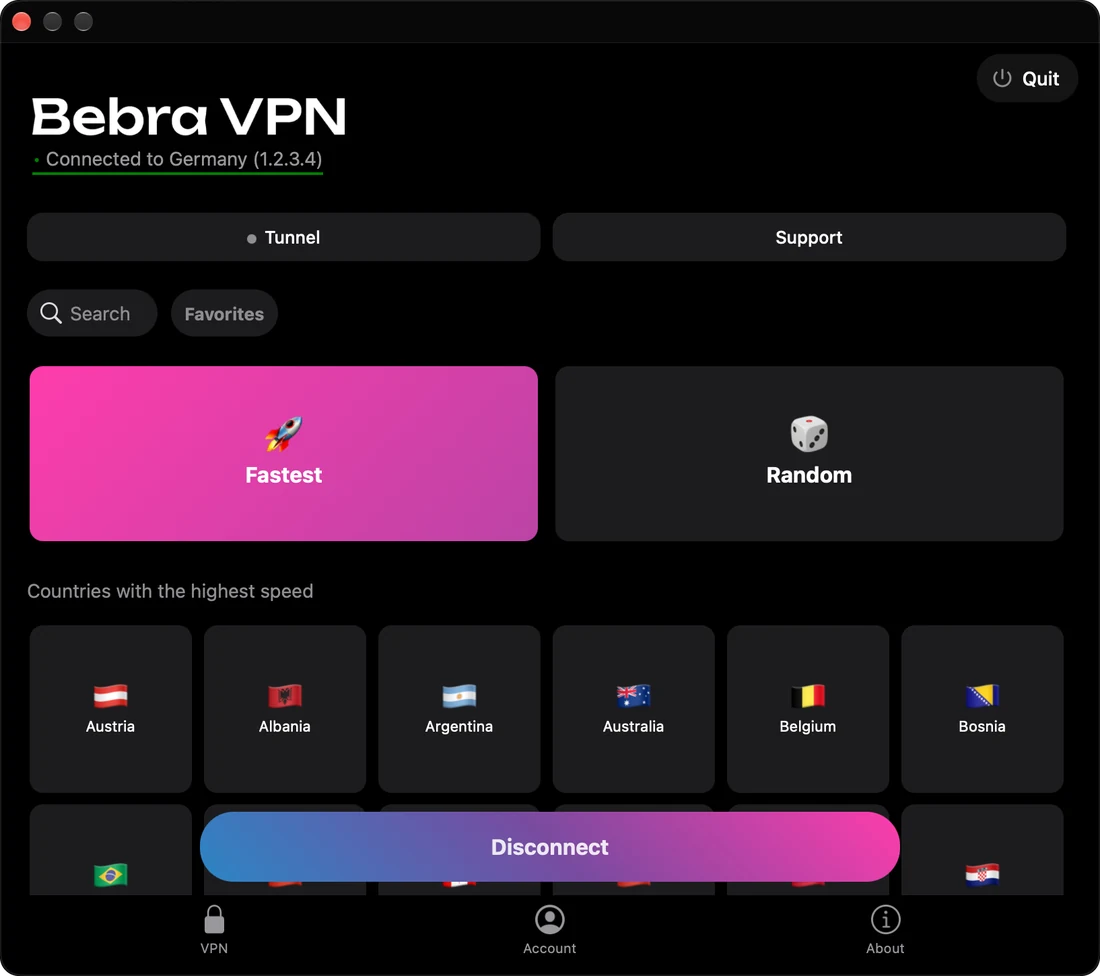
On a computer, tiktok.com runs in a browser, and a browser can’t read a SIM card. Connect Bebra VPN on Windows, macOS or Linux to a country where TikTok works normally, and the site opens as it would there. You can scroll the feed and post videos you’ve already edited.
Pick a country where TikTok isn’t restricted, Germany for example. If a TikTok tab was already open, reload it.
There are no filters or effects on tiktok.com, and it posts the video as it is. Do the editing on your phone, then get the final file onto the computer.
Sign in to your TikTok profile on the site and choose the file with Upload. Keep Bebra VPN connected to the same country until it’s done.
A long upload doesn’t need Bebra VPN on screen. Close the window on Windows and the app moves to the tray by the clock. On a Mac its icon stays in the menu bar. The VPN keeps running either way, and on Windows you quit it by right-clicking the tray icon.
The Windows installer, Bebra.exe, asks for administrator rights. On Windows and Linux, tick Launch the app on system startup under Account → Settings if you’d rather not open it by hand.
A profile signed in from a foreign IP address can get blocked by TikTok. Post through the same country every time.
One subscription covers the computer and the phone, and you can change country at any time.
+6 months free
190 ₽per month
5 700 ₽ in total
Buy for 5 700 ₽350 ₽per month
4 200 ₽ in total
Buy for 4 200 ₽500 ₽per month
Billed every month
Buy for 500 ₽3 days of full access, then 500 ₽ per month. The subscription renews automatically.
Look for a Bad connection banner at the top of the Bebra VPN window and press Fix the problem. Bebra VPN checks the server again and, depending on what it finds, moves it to new IP addresses or routes you through multihop. With no banner, run the same check from Account → Settings → Find working server, then upload the file again.