
2 years
−62%+6 months free
190 ₽per month
5 700 ₽ in total
Buy for 5 700 ₽Opera ships with a free VPN, but it stays inside the browser and lets you pick a region rather than a country. Bebra VPN runs on the whole computer or phone, so Opera, Opera GX and everything else you use go through the country you choose.
Updated
People install Opera GX for gaming, but its built-in VPN only changes the address for tabs. Bebra changes it for the whole PC.
Use Search above the grid to find the country a game server is in. Countries you’ve connected to at least twice in the past month end up in Favorites on their own.
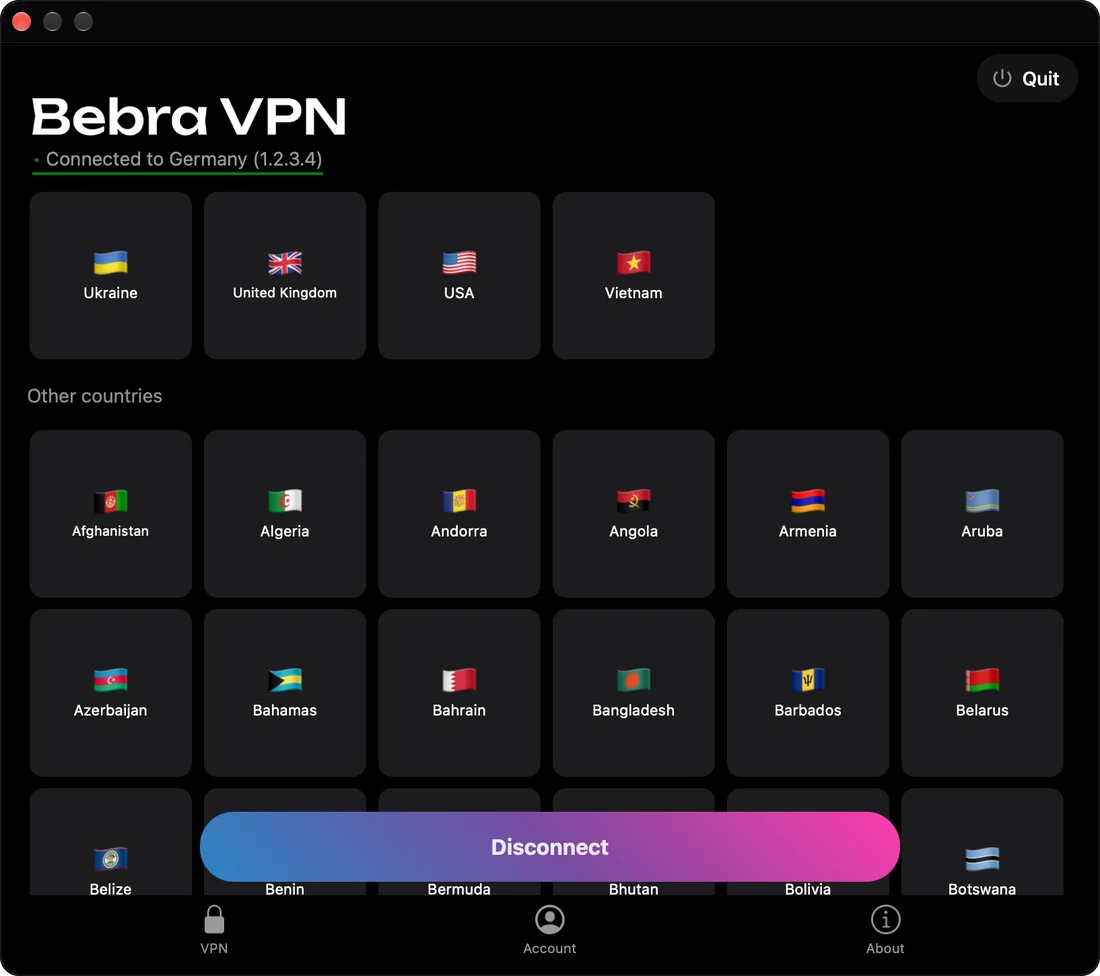
If both are on, Opera’s server stands between Bebra and the site, so the site sees Opera’s region. Other apps aren’t affected and keep the country you chose in the app.
Opera’s VPN is controlled by the VPN button on the left of the address bar, and that’s where you switch it off. If the button isn’t there, it’s already off.
+6 months free
190 ₽per month
5 700 ₽ in total
Buy for 5 700 ₽350 ₽per month
4 200 ₽ in total
Buy for 4 200 ₽500 ₽per month
Billed every month
Buy for 500 ₽3 days of full access, then 500 ₽ per month. The subscription renews automatically.
Yes. Switch Opera’s built-in VPN off first, though, or YouTube will see Opera’s region rather than the country you connected to in Bebra. The guides “VPN for YouTube on PC” and “VPN for YouTube” cover video in more detail.