Deep dives
Where VPN Protocols Live and What Gives Them Away

Contents
Add a VPN connection in Windows settings, and the system asks you to pick a type: PPTP, L2TP/IPsec, SSTP or IKEv2. Those are the VPN protocols your operating system knows on its own, with no extra software. Apps from VPN services usually run on different ones. Where a protocol lives decides who sets it up, which networks it gets through and how it gets recognized.
A protocol isn’t the same as a cipher
A cipher is the algorithm that turns your data into bytes nobody can use without the key. Most often it’s AES or ChaCha20, the same ciphers that protect ordinary websites over HTTPS. The protocol handles everything else. It decides how each side proves it’s who it claims to be (with a password, a certificate or a key), how they agree on a key for the session, which port the packets use and what their unencrypted headers say.
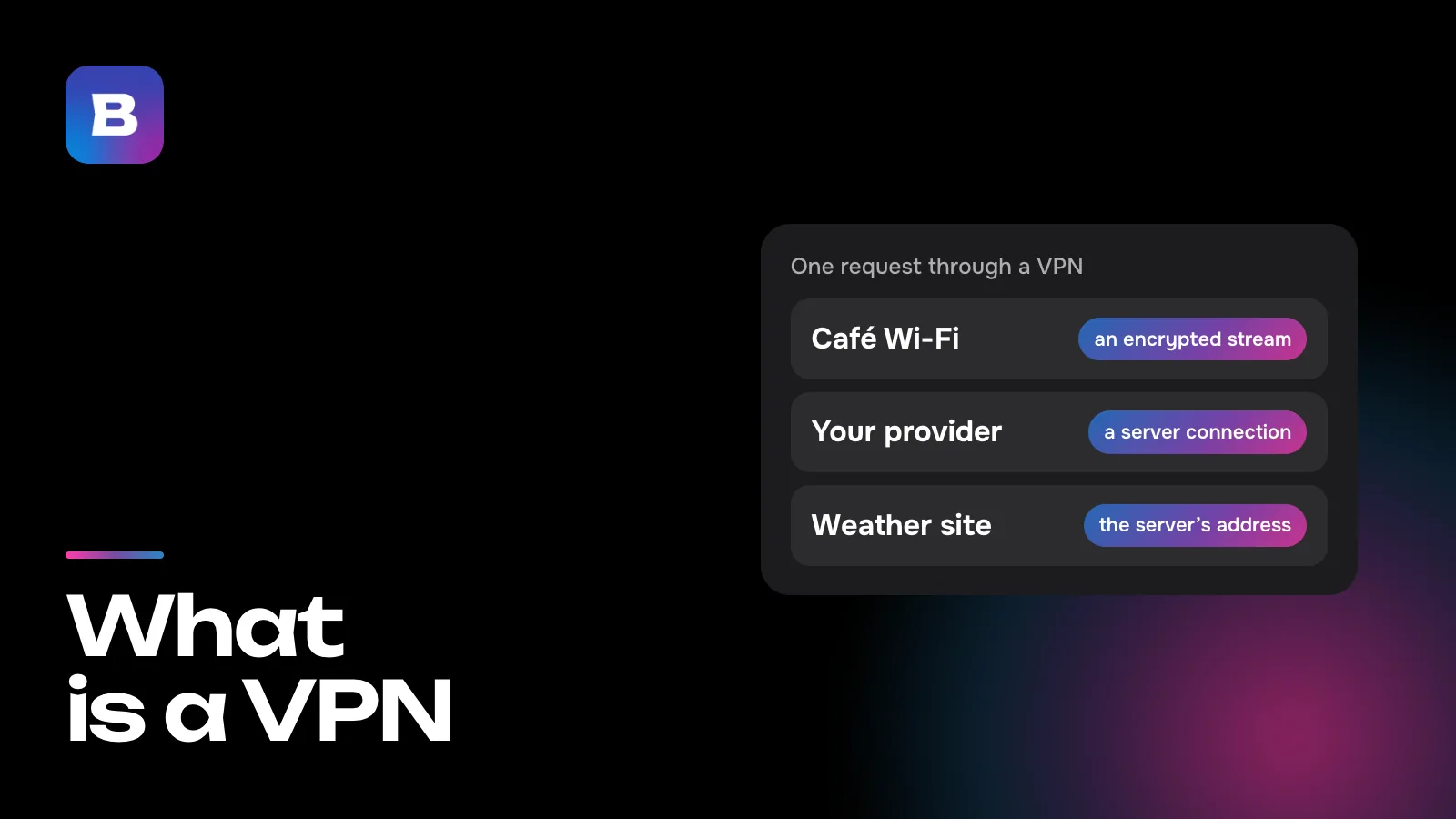
That’s why two protocols with the same cipher can behave very differently on a network. Usually the difference isn’t in the cipher but in everything around it. How an encrypted request reaches a website is covered in our explainer on what a VPN is.
Protocols built into your system
A built-in protocol doesn’t need anything installed. You type the server address, sign-in details and key straight into the system settings, which is why companies often use these connections and have an admin hand out the VPN profile. Each system supports a different set.
| System | What you can add without an app | Worth knowing |
|---|---|---|
| Windows | PPTP, L2TP/IPsec, SSTP, IKEv2 | In automatic mode, Windows tries them one by one, starting with the more secure |
| iPhone, iPad and Mac | L2TP, IPsec, IKEv2 | Apple dropped PPTP in 2016, starting with iOS 10 and macOS Sierra |
| Android 12 and later | IKEv2/IPsec variants only | You can no longer create a PPTP or L2TP connection in system settings |
PPTP, where a strong password won’t help
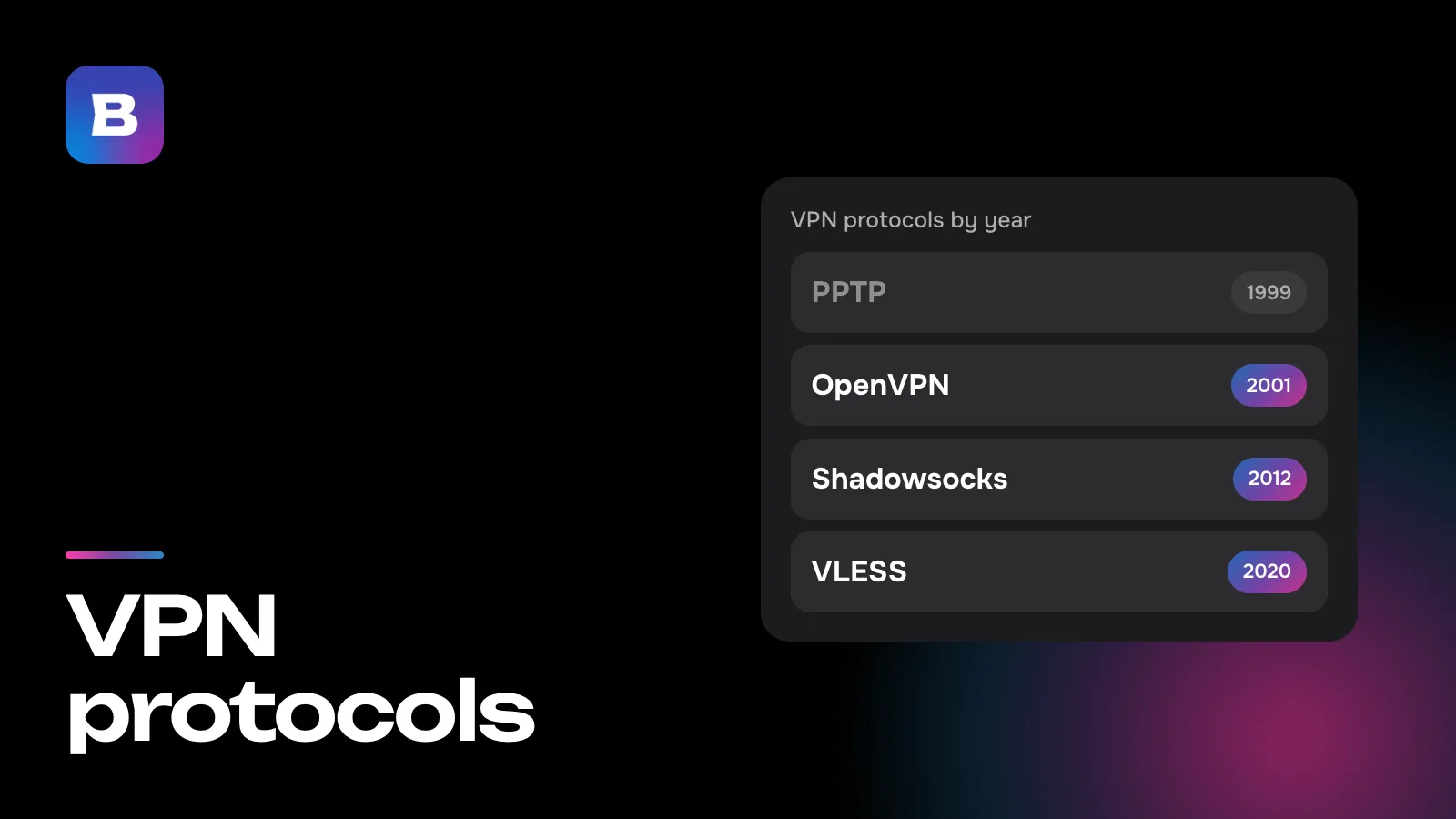
PPTP was published as RFC 2637 in 1999, and its protection rests on MS-CHAPv2 sign-in. In 2012 that sign-in was taken apart at the DEF CON conference. To break a recorded sign-in, it’s enough to find a single 56-bit DES key, and a long, complex password makes no difference. The researchers’ advice was blunt: treat PPTP traffic as unencrypted. Four years later Apple removed PPTP from its systems. Windows still has the client, although Microsoft moved PPTP to the deprecated list for Windows Server in 2024.
L2TP/IPsec and the trouble with NAT
L2TP (RFC 2661, also from 1999) only builds the tunnel, and IPsec does the encryption for it, which is why you see them as a pair in settings (RFC 3193, 2001). Windows offers two versions of the pair, one with a certificate and one with a pre-shared key. Its hardest problem is NAT, meaning routers that put several devices behind one address. IPsec packets then have to be wrapped in UDP on port 4500. If the server itself sits behind NAT, Windows won’t set up the connection by default, and Microsoft’s support article 926179 has you edit the registry to allow it.
SSTP, a Windows-only option
SSTP arrived with Windows Vista SP1 and Windows Server 2008. It carries PPP, the same link-layer protocol PPTP is built on, inside HTTPS on TCP port 443. Neither Apple’s systems nor Android have a built-in SSTP client. It’s also a tunnel over TCP, and on a line that drops packets those slow down (more on why below).
IKEv2, the one every system has
Of the built-in protocols, IKEv2 is the only one on every system in the table. It’s defined in RFC 7296 (2014). The server usually proves itself with a certificate, and you sign in with a certificate or with a username and password through EAP. Negotiation starts on UDP port 500, and if the two sides detect NAT along the way, they switch to port 4500. The MOBIKE extension (RFC 4555) lets a session survive a change of your device’s IP address without signing in again. The flip side is that IKEv2 doesn’t work at all without UDP.
Protocols that need an app
Your system doesn’t know the rest of the protocols on its own. A separate program brings them along, such as an OpenVPN client, a VPN service’s app or a router’s firmware. The upside is that they can change with every update to that program, without waiting for a new system version.
OpenVPN
OpenVPN is open-source software by James Yonan, first released in 2001. A connection to a server is usually described in a single .ovpn file with the address, port and keys, which you import into a client on a computer, phone or router. Keys are negotiated over TLS, and data travels over UDP or TCP, with 1194 as the standard port. In a paper presented at USENIX Security in 2022, researchers working with an internet provider that has a million subscribers picked out more than 85% of OpenVPN flows with almost no false positives. A byte pattern, packet sizes and the server’s responses were all they needed, and that’s how they caught 34 of the 41 configurations sold as obfuscated.
WireGuard
WireGuard is a modern protocol designed as a faster, simpler alternative to IPsec and OpenVPN. Key exchange uses Curve25519, the data is protected with ChaCha20 and Poly1305, and packets only travel over UDP. WireGuard has been part of the Linux kernel since version 5.6, released in spring 2020. Router firmware such as OpenWrt and KeeneticOS (version 3.3 and later) supports it, and there are official apps for Windows, macOS, iOS and Android. The first message of every session always has the same type and size, so it’s easy to spot on the network. In Russia, WireGuard has been blocked since 2023. That August it stopped connecting on mobile networks for about a day, along with OpenVPN, and a second wave of blocking began at the end of September.
Shadowsocks
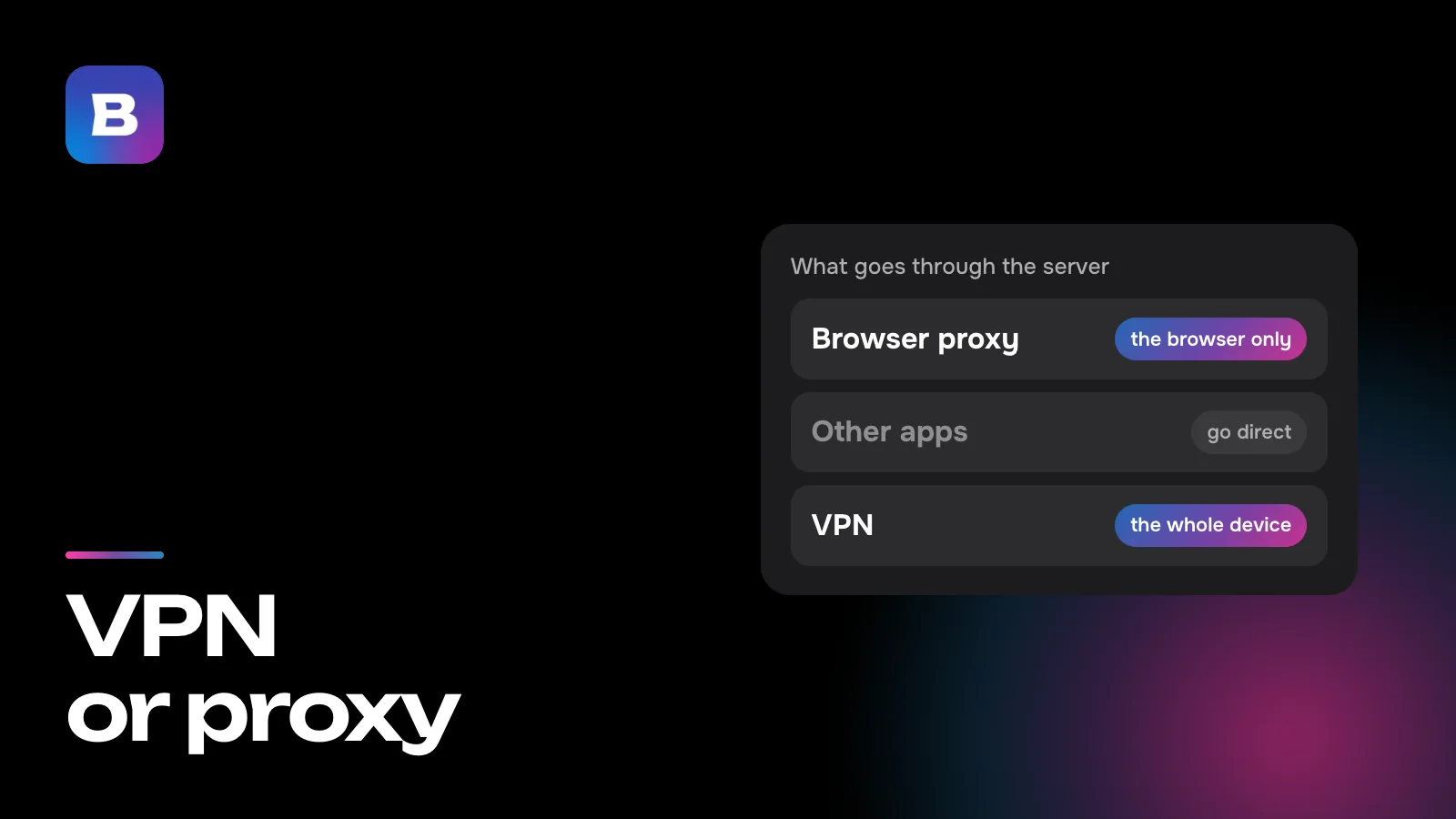
Shadowsocks appeared in 2012 as an encrypted replacement for a SOCKS proxy (we covered how a proxy differs from a VPN in VPN vs proxy). It needs very little setup, just an address, a port, a password and a cipher. Its stream has no unencrypted headers, and to a filter that’s more of a giveaway than a disguise. Ordinary traffic nearly always contains some readable text, so a stream of pure random bytes stands out. A 2023 USENIX Security paper describes how a filtering system in China has been weeding out such streams since November 2021 by the share of set bits and printable characters, and Shadowsocks fell under that rule.
VLESS + REALITY
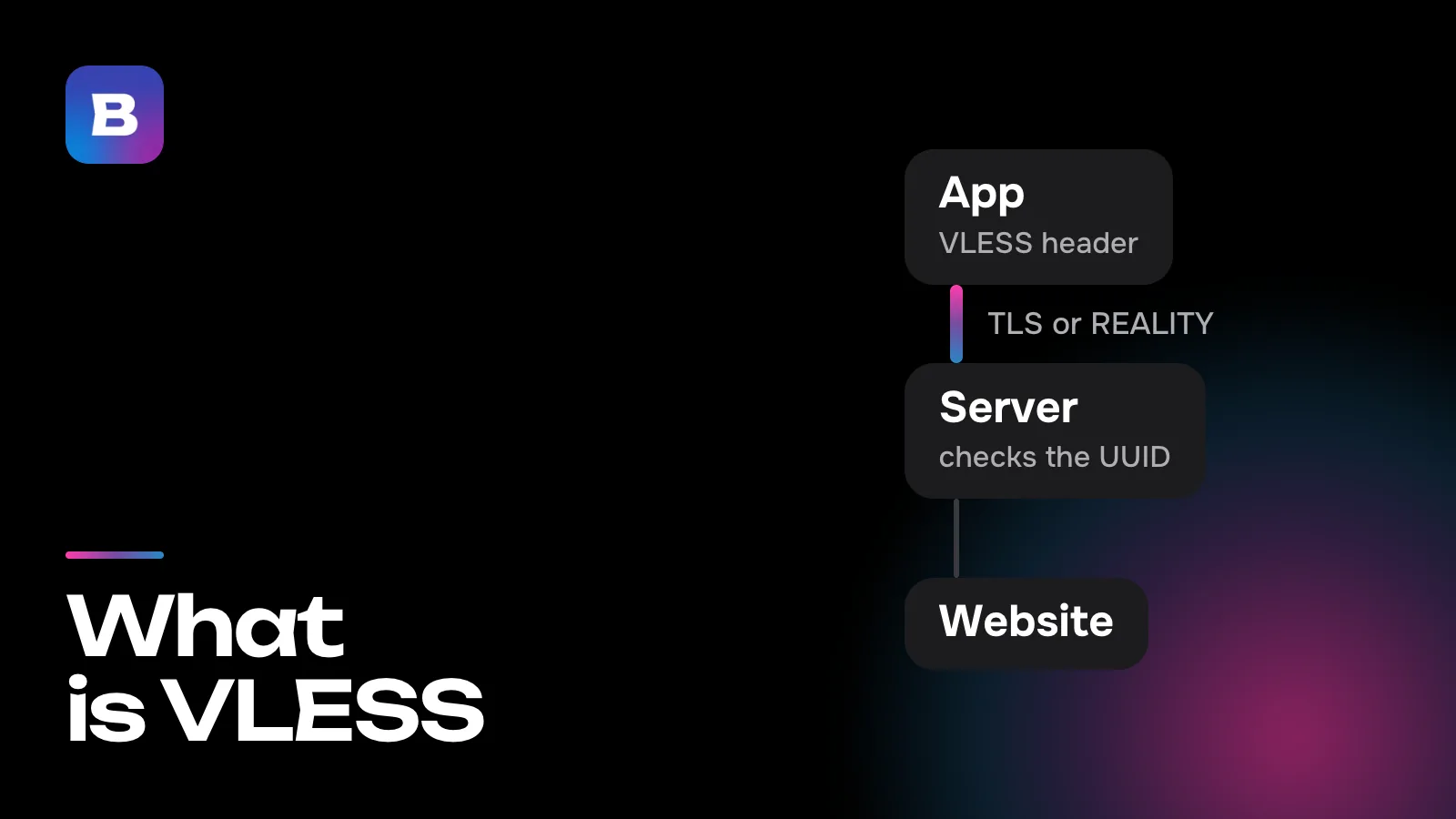
The VLESS protocol came out in August 2020, in V2Ray 4.27.0. It identifies each user by a UUID, a long string of letters and digits, and in a typical setup its own encryption is turned off, so an outer TLS layer protects the data. REALITY controls what that layer looks like. The server holds an X25519 key pair, and the client knows the public key and a short ID called shortId. The server’s settings name someone else’s real website, and the TLS handshake looks like a visit to that site. If a connection fails the key check, the server passes it on to that site, which answers on its own.
XHTTP
XHTTP is a way of delivering data from the Xray project, known as SplitHTTP in 2024. From the outside it looks like an ordinary exchange with a website, HTTP requests and responses, and most HTTP middleboxes and many CDNs let that kind of traffic through. Upload and download can even take different paths, say one through a CDN and the other directly.
Hysteria2
Hysteria2 runs over UDP on its own variant of QUIC. From the outside it looks like HTTP/3, the newest version of the protocol websites load over. The client signs in with a single HTTP/3 request that carries a password in a header. If the password is wrong, the server is supposed to act like a regular web server or return a real site’s response, so nothing reveals the proxy. Its developers built Hysteria2 for lines with heavy packet loss, but where UDP is blocked outright, it can’t get through any more than IKEv2 can.
What gets in the way of a connection
The network only allows web traffic
Hotels, conference venues and some offices only let web traffic out, on TCP ports 80 and 443. IKEv2 and L2TP/IPsec, with their UDP ports 500 and 4500, won’t connect there, and neither will OpenVPN on its standard 1194. What gets through is SSTP, OpenVPN set to TCP 443 and protocols that use that same port and look like HTTPS. Networks like these are exactly what Microsoft built SSTP for.
The protocol gets recognized by its pattern
Protocols designed for office networks use fixed ports and open their sessions in a recognizable way. A provider’s deep packet inspection (DPI) gear checks for those signs on the fly and can shut one protocol down without touching the rest of the internet. As the OpenVPN paper shows, nothing has to be decrypted for this. That’s why newer protocols try to look like HTTPS to a well-known site or like HTTP/3, while Shadowsocks, as you saw above, gets caught by randomness that’s too even.
Packet loss and TCP
TCP makes sure every packet arrives and resends any that get lost. When the tunnel itself runs over TCP, as SSTP and OpenVPN in TCP mode do, it carries other TCP connections that have their own resends. On a lossy line, both layers wait for and resend the same data, and the delay jumps in steps. So a classic tunnel is better off on UDP, with TCP saved for networks where UDP is blocked.
Newer protocols carry streams rather than packets. The app on your device takes over the programs’ TCP connections itself and sends only their contents through the tunnel, so the double resends don’t happen. UDP traffic from games and calls inside a TCP transport such as VLESS + REALITY still has to wait for a lost piece to arrive again, though. On lines like that, a UDP-based transport such as Hysteria2 runs more smoothly.
What Bebra runs on
Bebra connects over VLESS + REALITY, XHTTP, Hysteria2 and Shadowsocks. The app picks the protocol and route on its own, and if a route stops working, it moves to another, so you don’t have to choose a protocol yourself. There’s more on the technology page.
For Keenetic, OpenWrt and MikroTik routers there’s a Bebra app that runs on the router itself. For models that only support built-in protocols, the Router section of your account on the website has an “Other routers” tab with OpenVPN (UDP and TCP) and PPTP. Of those two, only OpenVPN reliably encrypts your data.
Every plan includes all 187 countries. The trial for 10 ₽ shows how the connection behaves on your own network. 3 days of full access, then 500 ₽ per month. The subscription renews automatically.
Questions and answers
Is a protocol the same thing as a cipher?
No. A cipher such as AES or ChaCha20 makes data unreadable without the key. The protocol sets everything around it: how the two sides recognize each other, how they agree on a key, which port the packets use and what they look like. That’s why protocols with the same cipher can behave very differently on a network.
Why does a VPN that works at home fail to connect at a hotel?
Guest networks often let only web traffic out, on TCP ports 80 and 443. IKEv2 and L2TP/IPsec on UDP ports 500 and 4500, as well as OpenVPN on port 1194, don’t get through there. SSTP, OpenVPN over TCP 443 and protocols that look like HTTPS usually do.
Why can’t I add PPTP or L2TP on Android?
Starting with Android 12, system settings only let you create IKEv2/IPsec connections. For OpenVPN and other protocols you need a separate app.
Can a long password make PPTP safe?
No. PPTP’s weak spot is the MS-CHAPv2 sign-in itself. A recorded sign-in can be cracked by trying every 56-bit key, and password strength doesn’t change how long that takes. It’s best to treat PPTP traffic as readable.